
When a projector meets a user-friendly interface, every operation should feel simple. NESOUL projectors use a self-developed zoned interaction UI with a bottom shortcut dock and a side floating panel.
Bottom Dock for Frequent Apps
The home screen places key apps such as Netflix and YouTube in a bottom dock, helping users start entertainment quickly without digging through layers of menus.
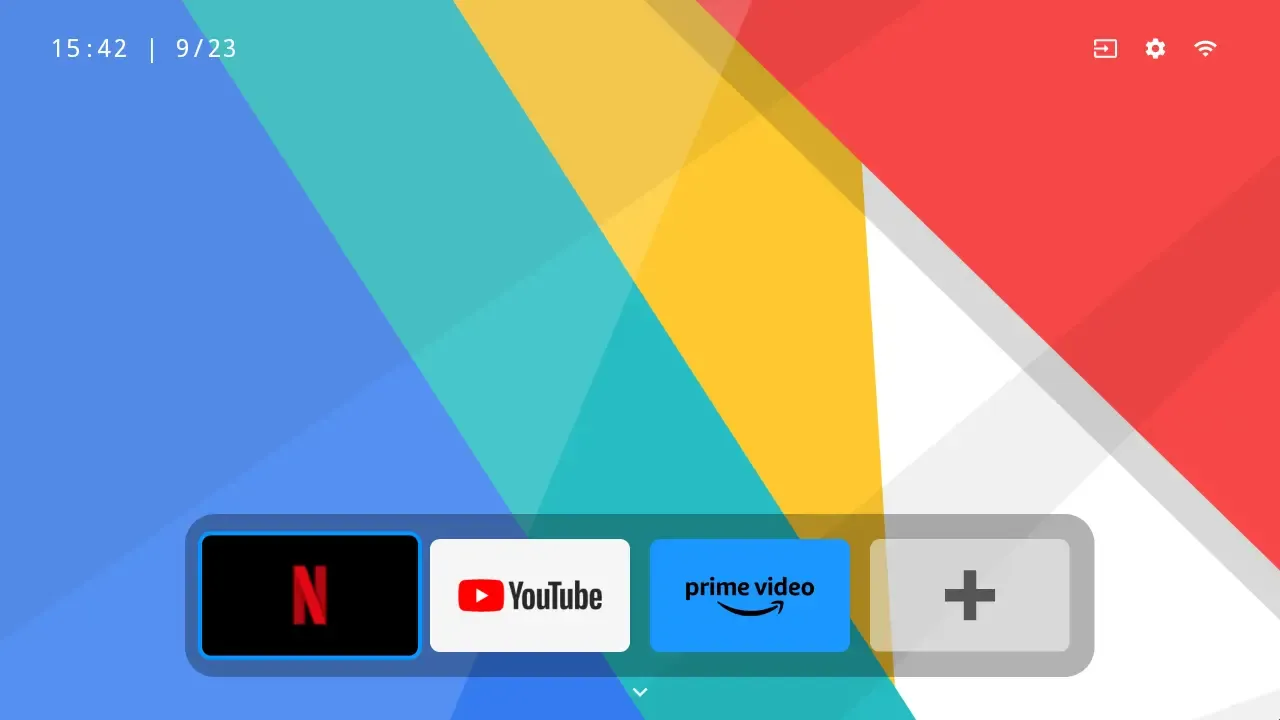
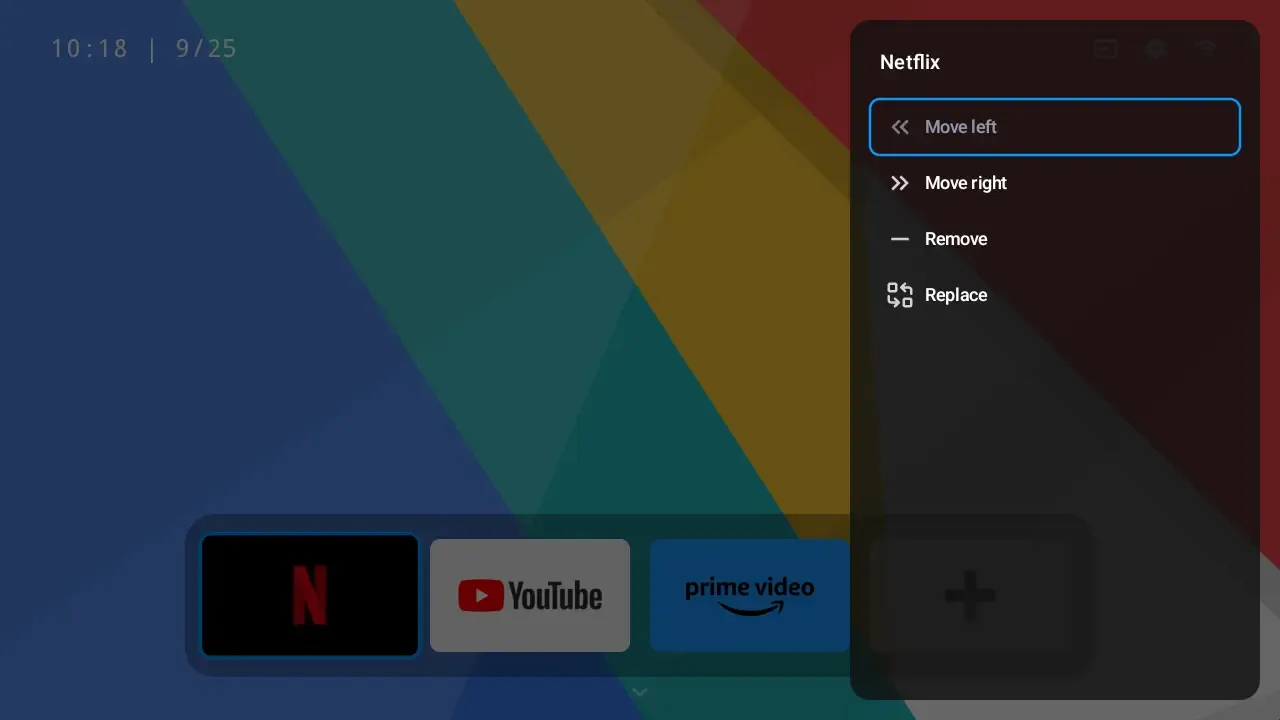
Users can customize the dock by adding, removing, reordering, or replacing apps. The goal is to make the home screen match the user’s routine.
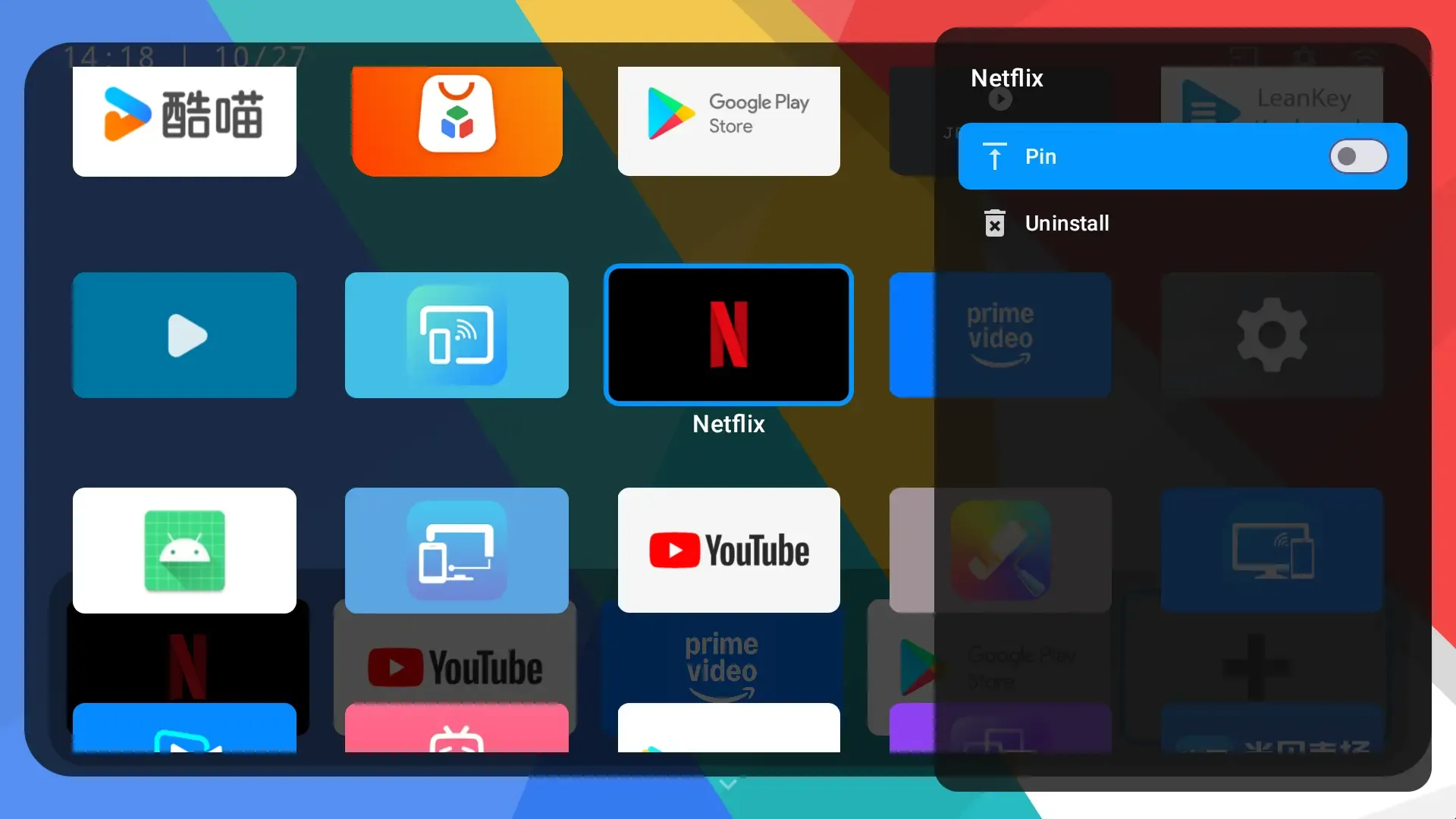
The My Apps page gives a clean overview of installed apps and supports quick management from the remote control.
Side Floating Panel
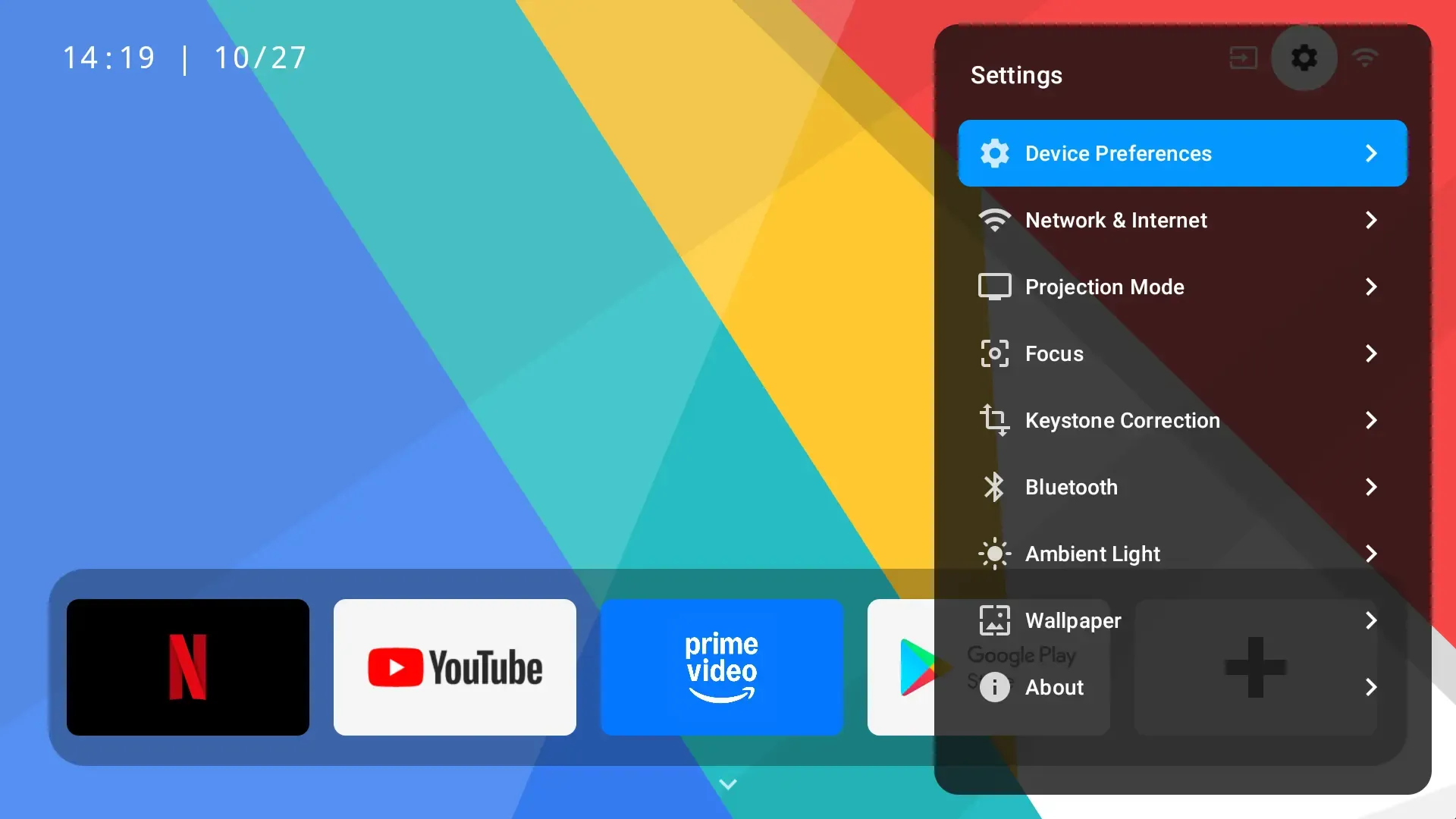
The side floating panel collects common settings such as ambient light, input source, WiFi, focus, keystone correction, and Bluetooth. Users can adjust key functions without leaving the current viewing flow.
Personalized Settings
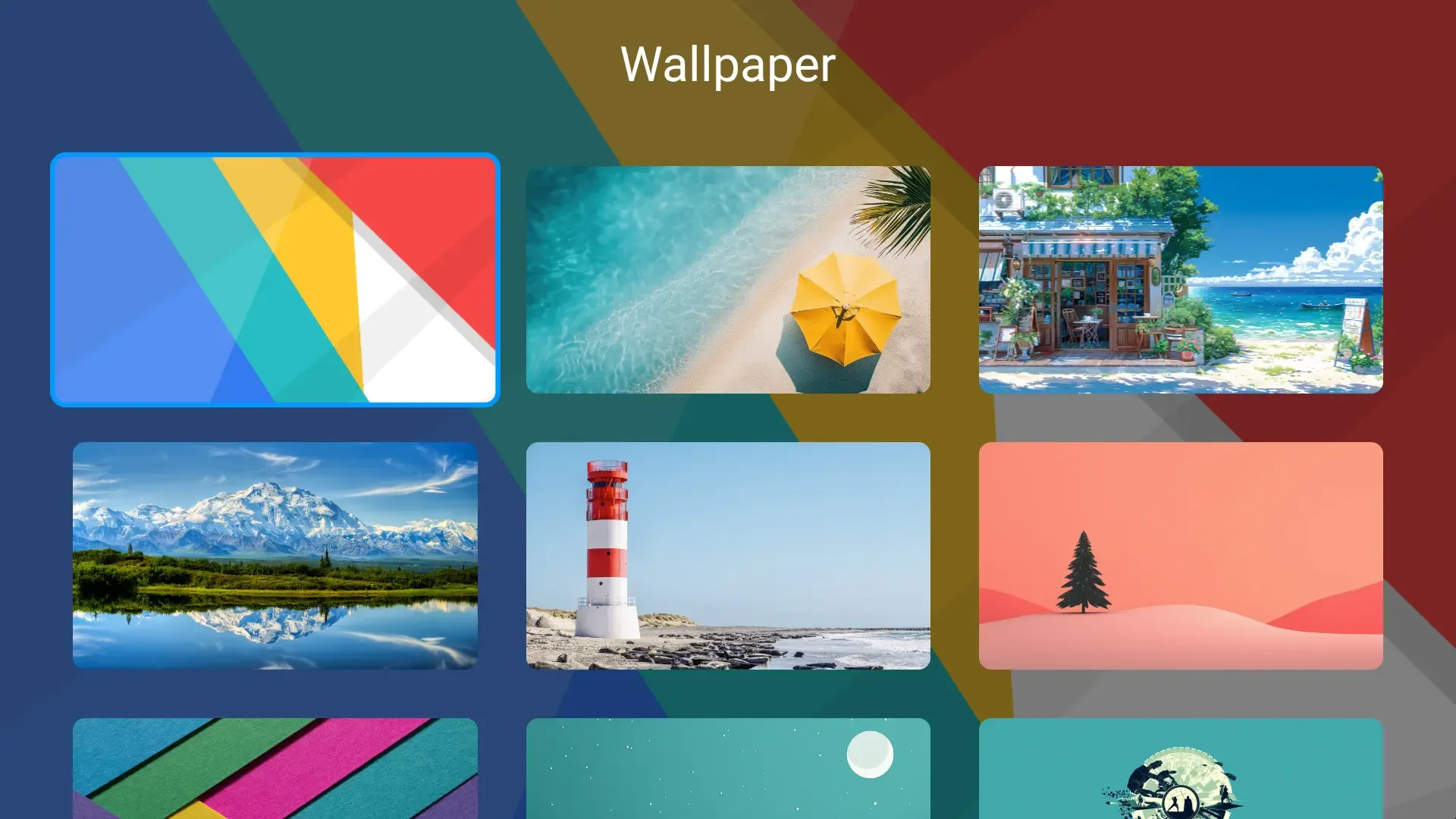
The UI also supports wallpaper replacement and multi-mode switching, allowing the device to feel more personal and easier to adapt to different rooms.
More Than Navigation
A good projector UI is not just a menu. It reduces friction, shortens the path to common actions, and helps users enjoy the large screen without feeling interrupted.