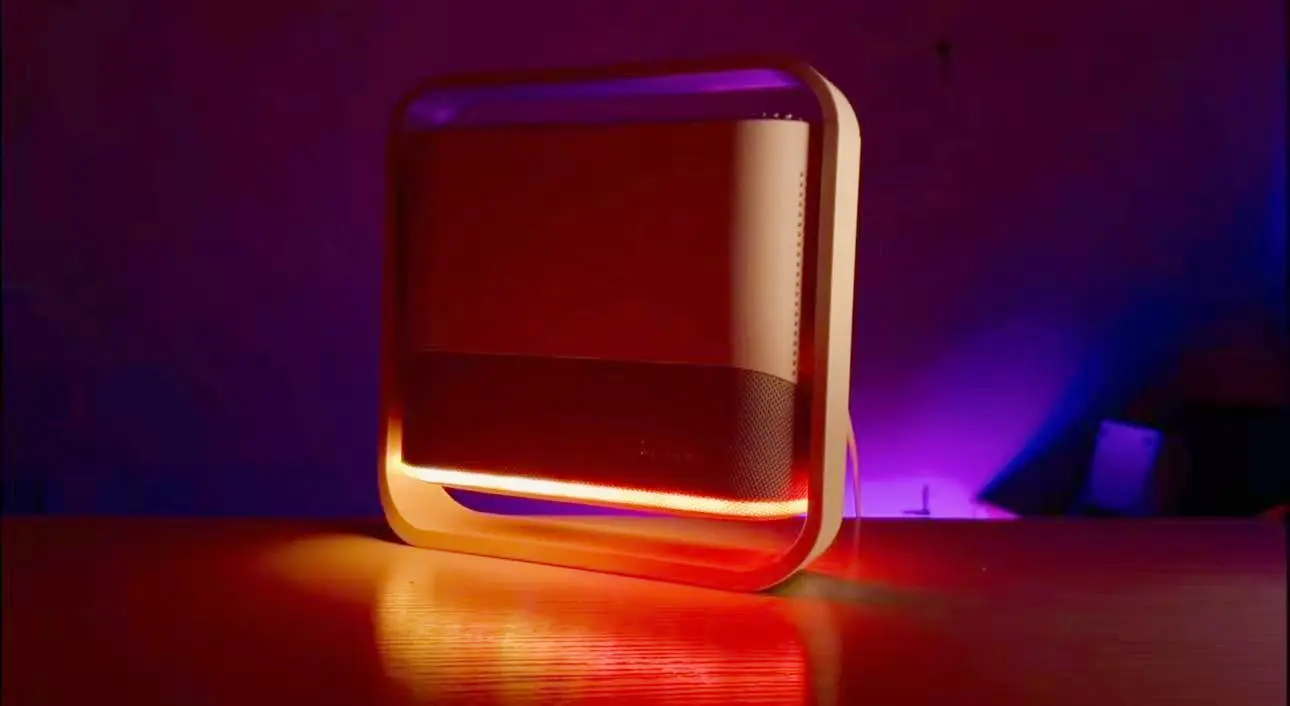
A Complete Guide to NESOUL Projector's Self-Developed UI: Zoned Interaction for Seamless Large-Screen Operation
When a large-screen projector meets a user-friendly UI, every operation should be a pleasure. The NESOUL projector is equipped with a self-developed "Zoned Floating · Lightweight Interaction" UI system, featuring a core design of a bottom shortcut dock bar plus a side floating panel. This makes the large-screen interface "simple yet powerful," allowing instant access to frequently used functions without navigating through multiple layers—effortlessly manageable for both beginners and experts.
1. Core Layout: Bottom Dock Bar, Easy Access to Frequently Used Apps
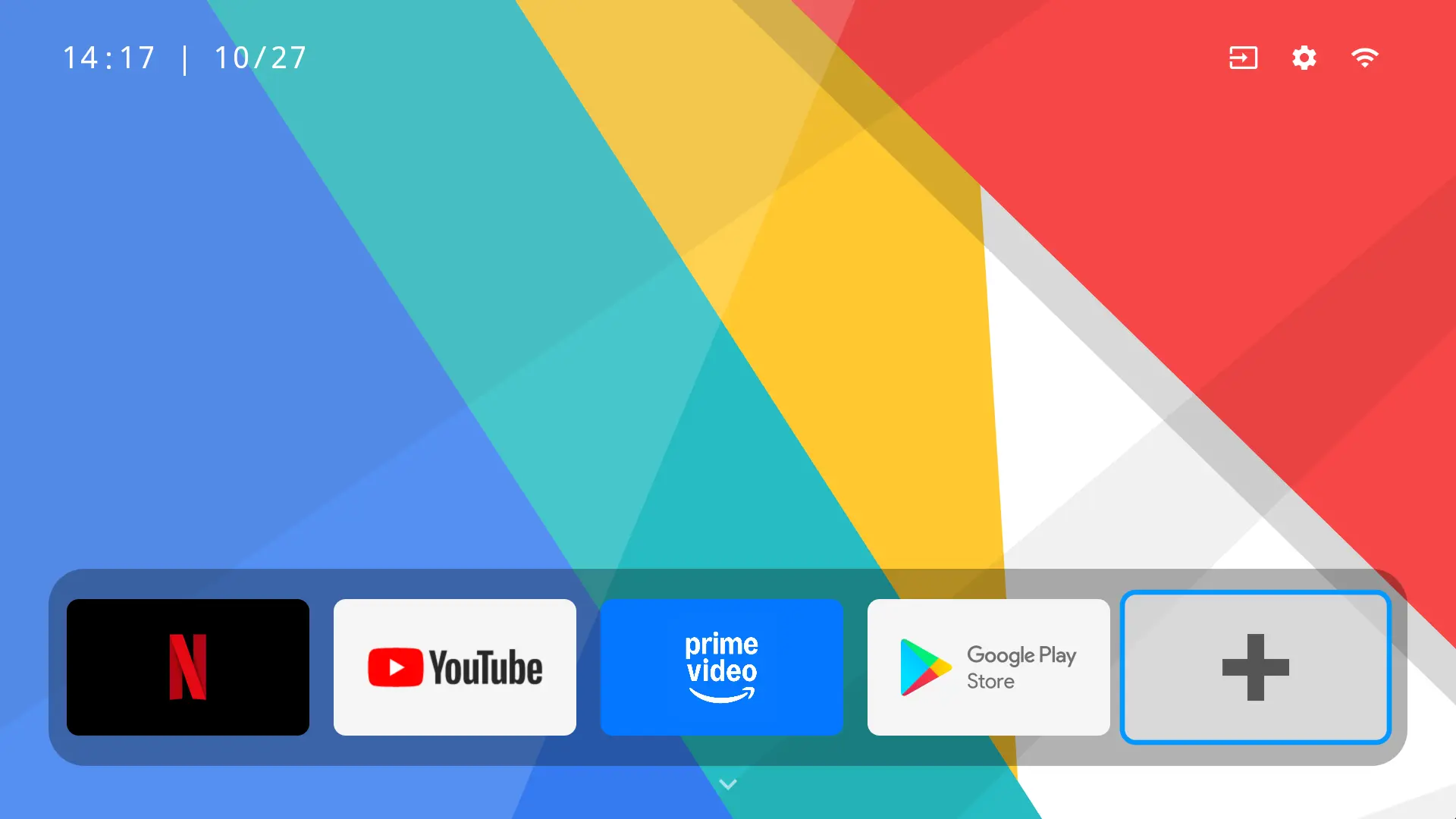
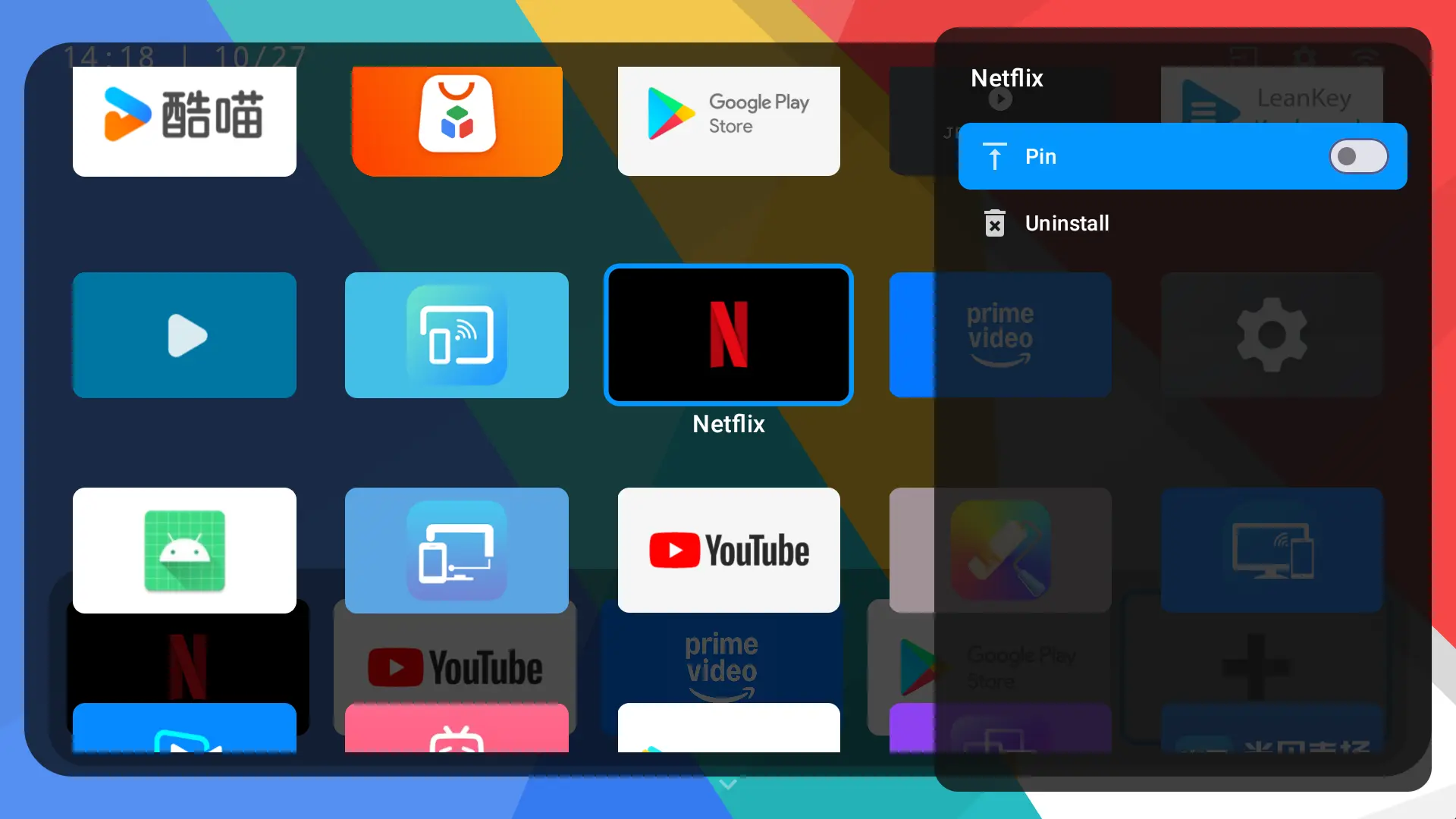
The moment you power on the device, a concise and intuitive home screen appears. Its key highlight is the bottom shortcut dock bar, which aggregates pre-installed popular apps such as Netflix and YouTube. No need to rummage through layers of menus—just a tap of your finger to start your audio-visual journey.
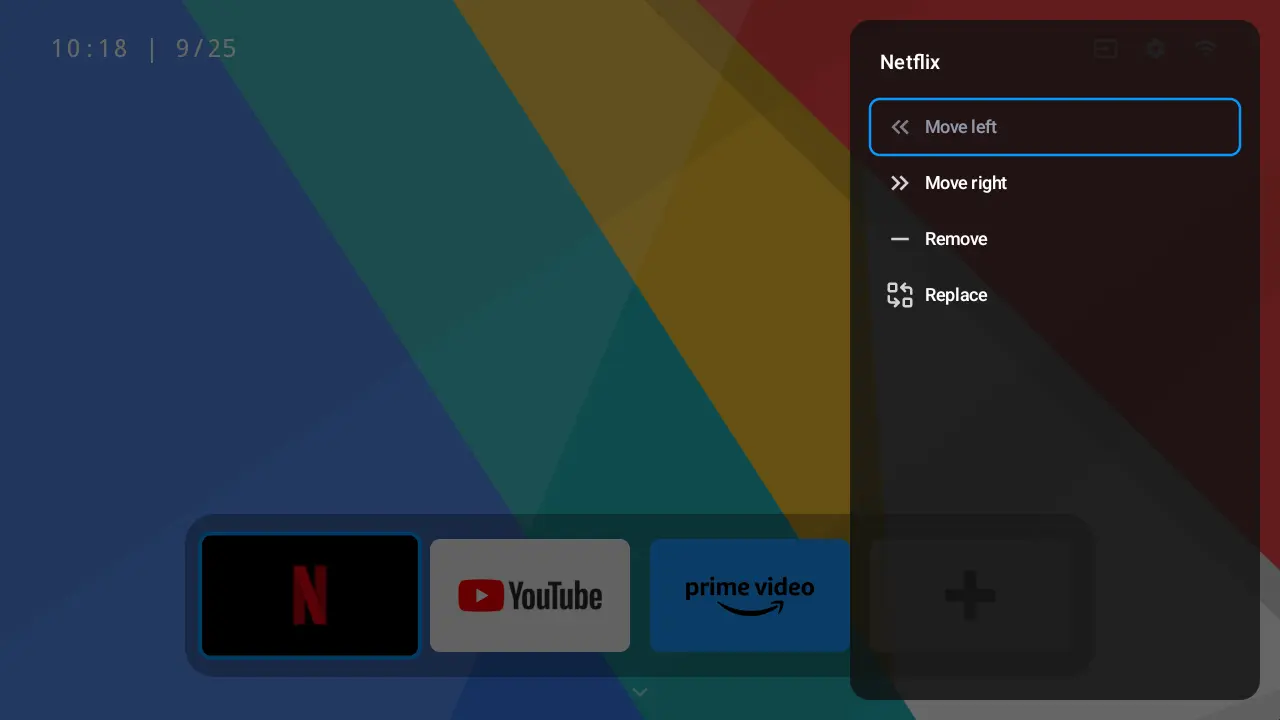
Creating a personalized app matrix is incredibly easy: tap the "+" icon on the right side of the dock bar to pin your frequently used apps. When you select any app, press the Menu button on the remote control to customize the dock bar—options include removing, reordering, and replacing apps—so your frequently used apps are arranged exactly as you prefer.
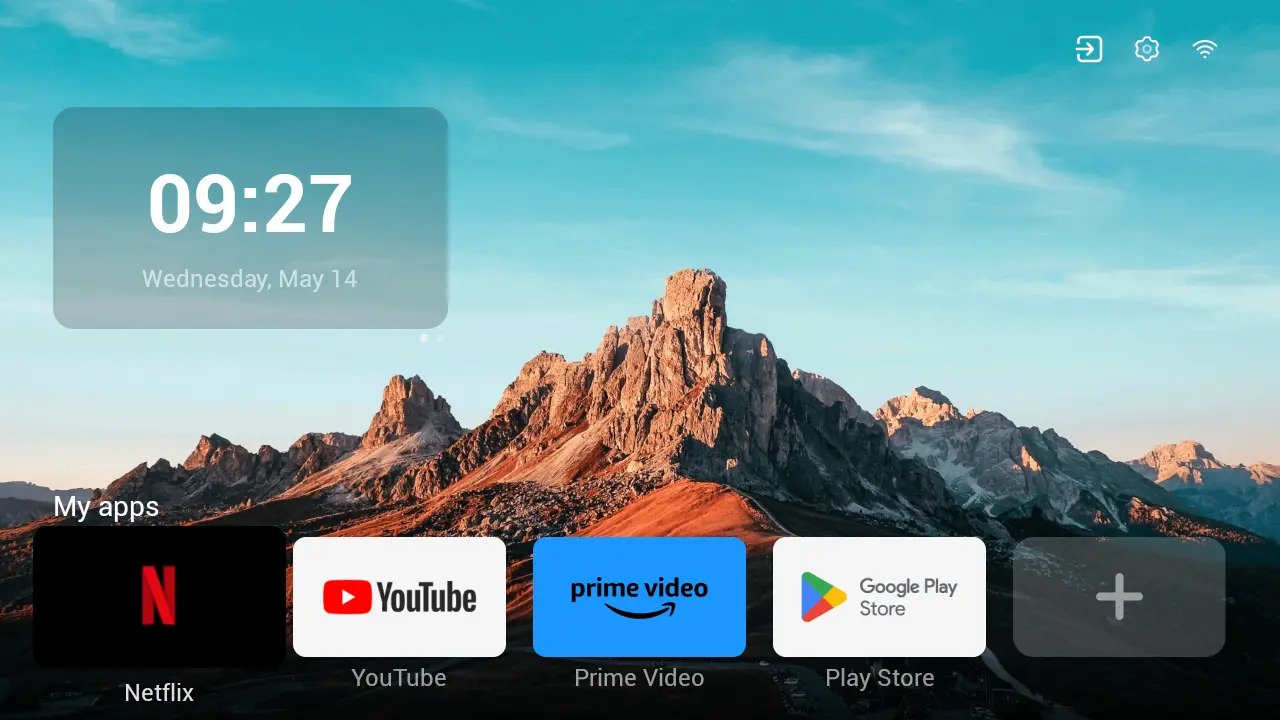
To manage all your apps, press the Down button on the remote control from the home screen to enter the "My Apps" interface. Here, you can also use the Menu button to uninstall or pin apps, easily getting rid of redundant ones and keeping the interface clean.
2. Efficient Design: Side Floating Panel, Uninterrupted Function Access
The "efficiency key" of the NESOUL UI is hidden in the upper right corner of the home screen—shortcut entries for frequently used functions like ambient light, settings, input source, and WiFi are all gathered here. A single tap brings up the side floating panel.
The ingenuity of this design lies in preserving the visual openness of the large screen for viewing, while eliminating the need to exit the current operation interface. Functions such as focusing, keystone correction, Bluetooth connection, and ambient light switching can be completed with a simple tap, balancing immersive experience and operational efficiency perfectly.

3. Personalized Customization: From Wallpapers to Modes, Create Your Exclusive Projector
The NESOUL UI supports in-depth personalized settings, making the projector truly understand your preferences:
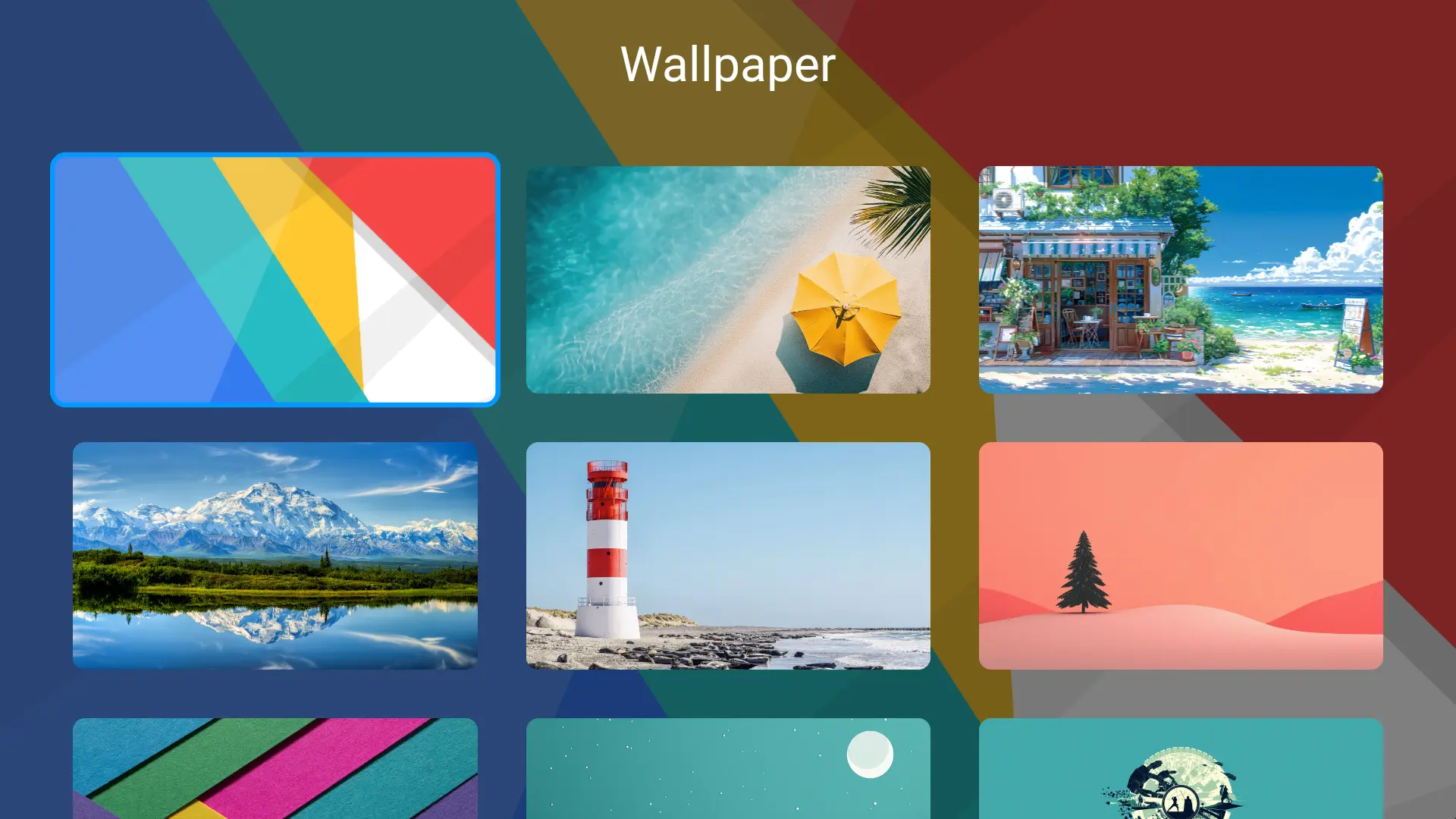
Wallpaper Replacement
Navigate to "Settings -- Wallpaper" to freely switch to your favorite background wallpaper, making the home screen more personalized.
Multi-Mode Switching
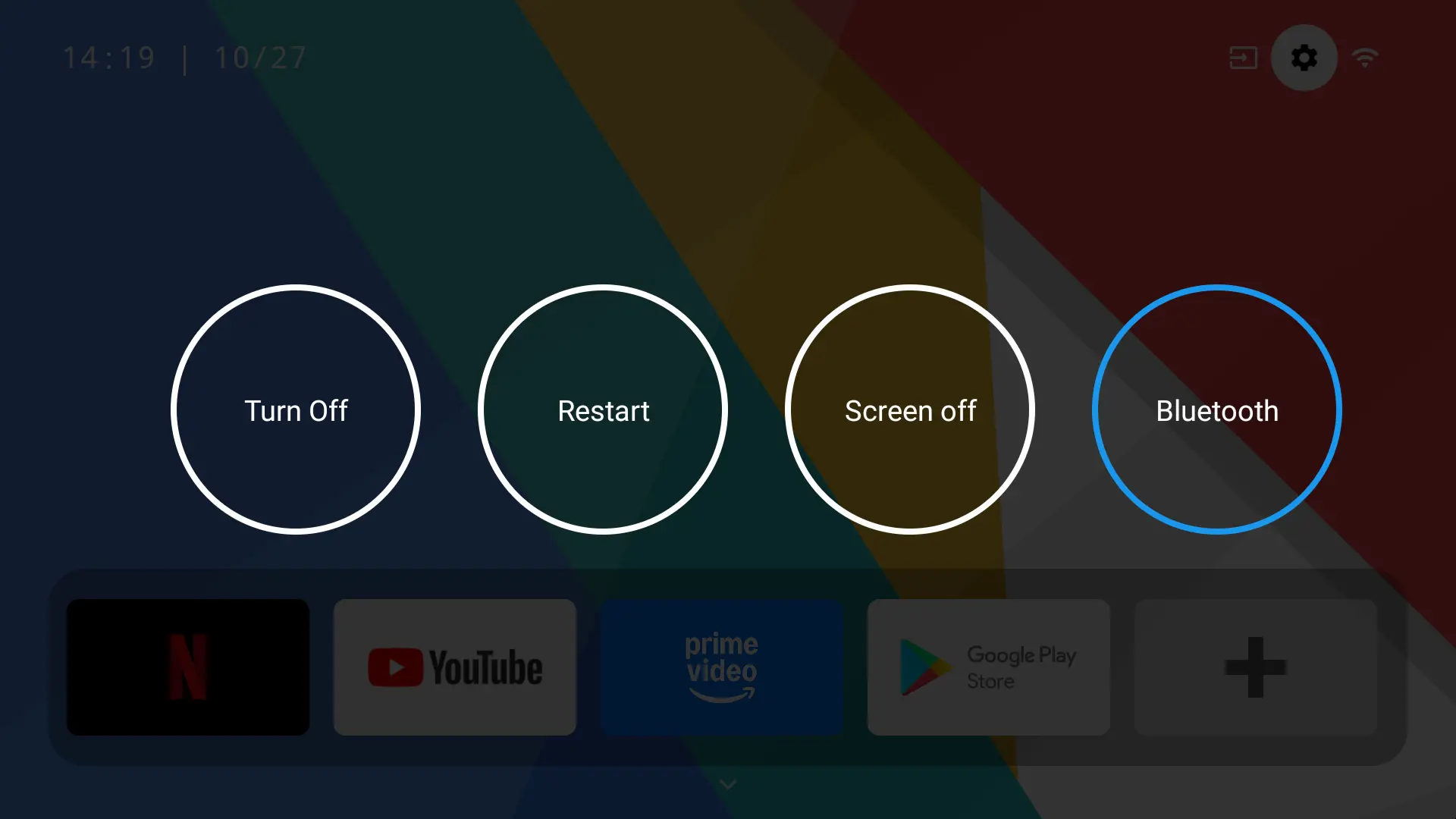
Press the Power button on the device or remote control to bring up a menu with options including Shutdown, Restart, Screen Off, and Bluetooth Speaker—switch device status with one tap as needed.
4. Special Features: More Than a Projector, a Practical Life Assistant
4.1 Instantly Transform into a Bluetooth Speaker for a Feast for the Ears
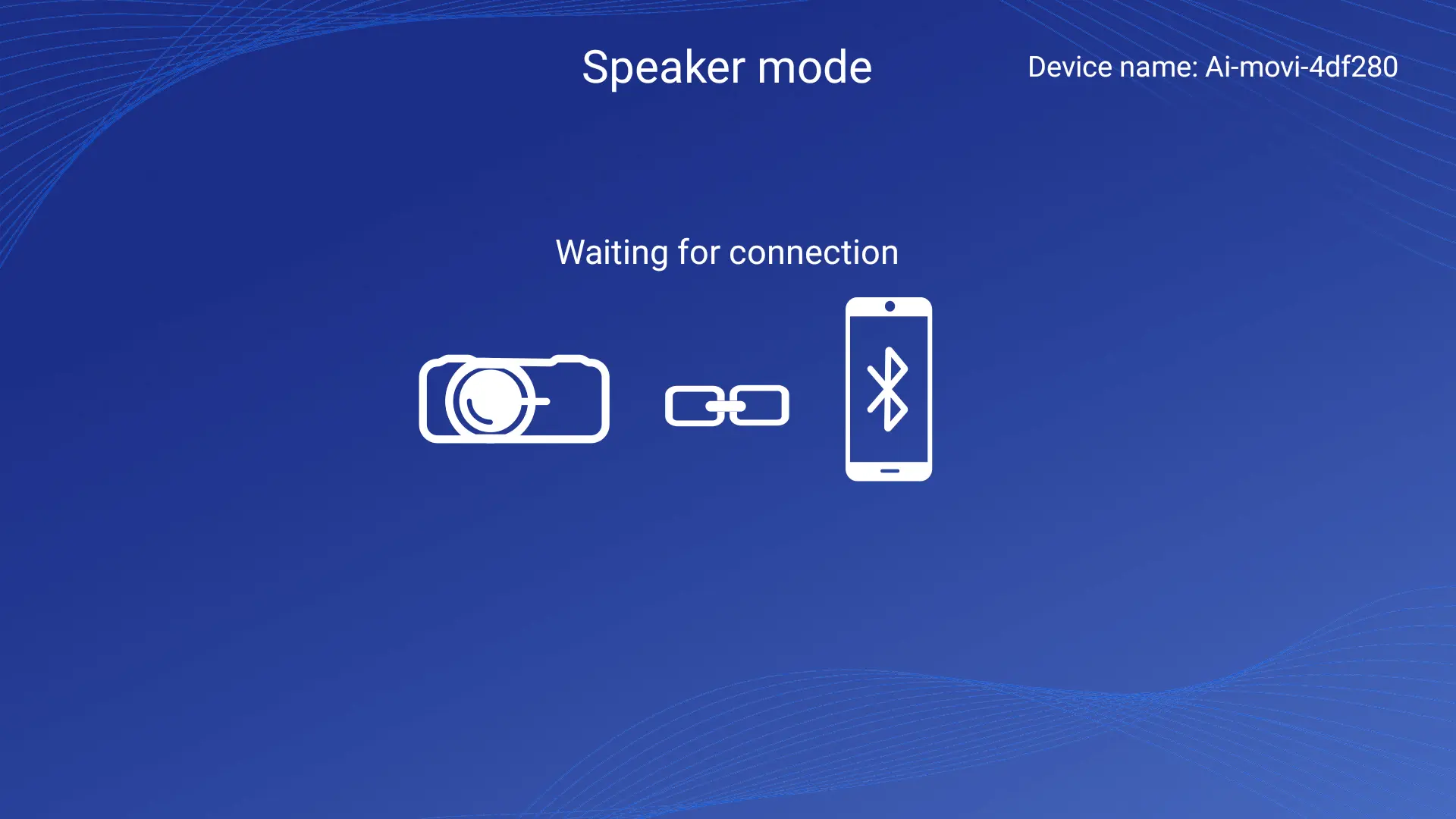
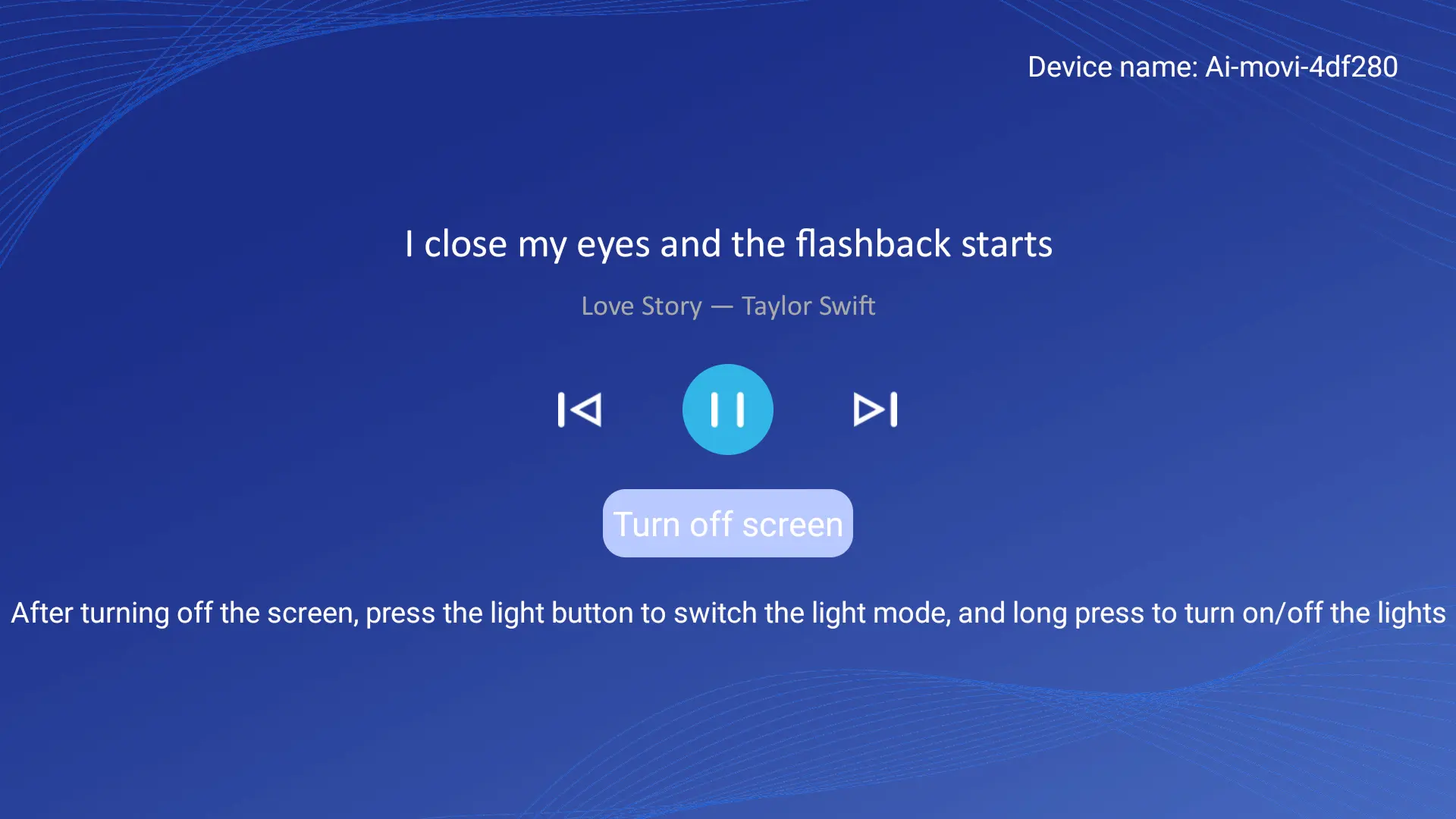
Select the "Bluetooth Speaker" mode from the Power menu, and the projector instantly transforms into a high-quality audio system. Simply find the device name "Ai-movi-4df280" in your phone's Bluetooth list, connect to it, and you can wirelessly play music from your phone.
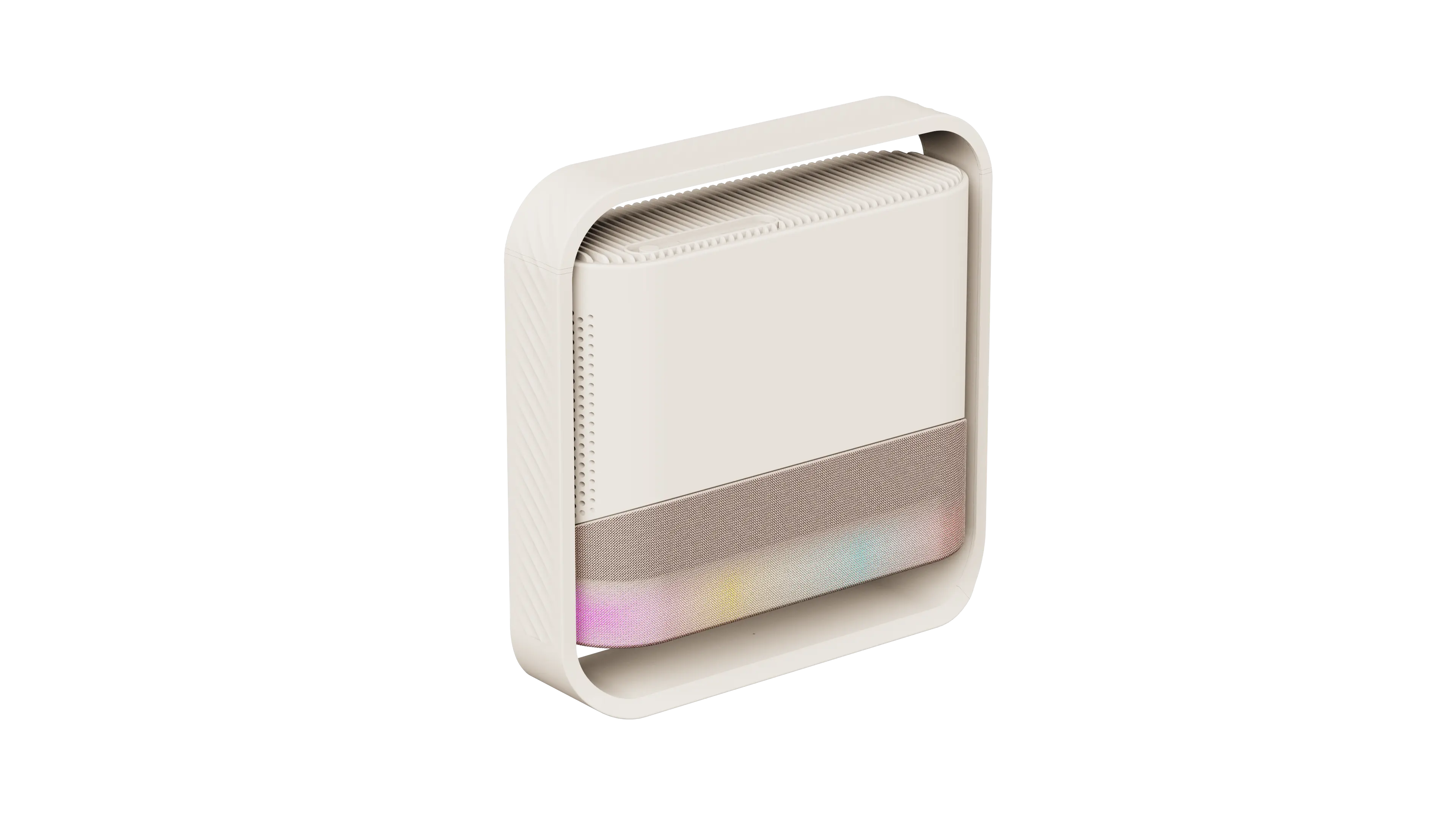
This mode not only supports real-time lyric display but also allows you to tap "Turn off screen" to turn off the display for an immersive audio experience. At this point, press the ambient light button on the remote control to switch between different themed light effects, combining light and shadow with music perfectly; long-press the light button to quickly turn the ambient light on or off, creating a full sense of atmosphere.
4.2 One-Tap Access to Practical Functions
Beyond core operations, the NESOUL UI also organizes a variety of practical functions in an orderly manner: easily enable screen projection via "Projection Mode," ensure clear and rectangular images with "Focus" and "Keystone Correction," and quickly pair peripherals such as headsets and speakers through "Bluetooth." Every setting is simple and intuitive.